
You are using an out of date browser. It may not display this or other websites correctly.
You should upgrade or use an alternative browser.
Photo question
- Thread starter Kirk-NJ
- Start date

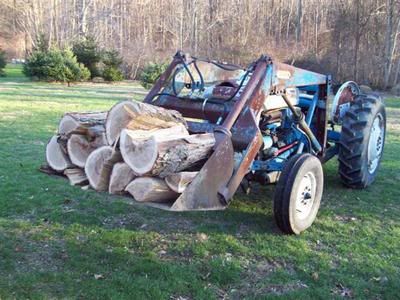
I found just "resizing" was hard to bring down the file size small enough for this forum. What you have to do is adjust the "quality" of compression of the JPEG, a lower quality setting during "save" will lower the total size of the file and you can leave the physical dimension alone.
Motorhead:
Some files will not resize properly in a jpeg format to fit the requirements for some sites. I am not sure why as resolution does not seem to play much of a role in it. I used to experiment with quality but eventually found out that was not the best approach IMHO.
When you resize in some programs such as IrfanView, you can also change the file format. If you choose to save as a .gif or as some programs call it, a CompuServe Gif file then you can preserve the quality and achieve the required size pretty easily. All of the avatars etc. that need to be quite small in pixel and file size I usually save as a .gif file. Although .jpg's can be brought down to that size it sometimes takes a bit more work to achieve.
Kirk:
This is going to sound weird but I have been experiencing similar instances for a couple years. What browser are you using? My primary bowser is Opera and I use IE8 as well. I have been noticing that in Opera some of the pics that I load from the server get cut off on the right side. I figured out that is because of the page format limits as the same pic will show completely in IE8, Google Chrome, Safari and even FireFox most of the time. 640x480 is the usual resolution I use for pics when I quickly resize for a post but I usually use a slightly higher resolution for manual pages which still fit within the page limits